Xiaomi · Released 2023
Xiaomi AX3000T (Mi Router AX3000T)
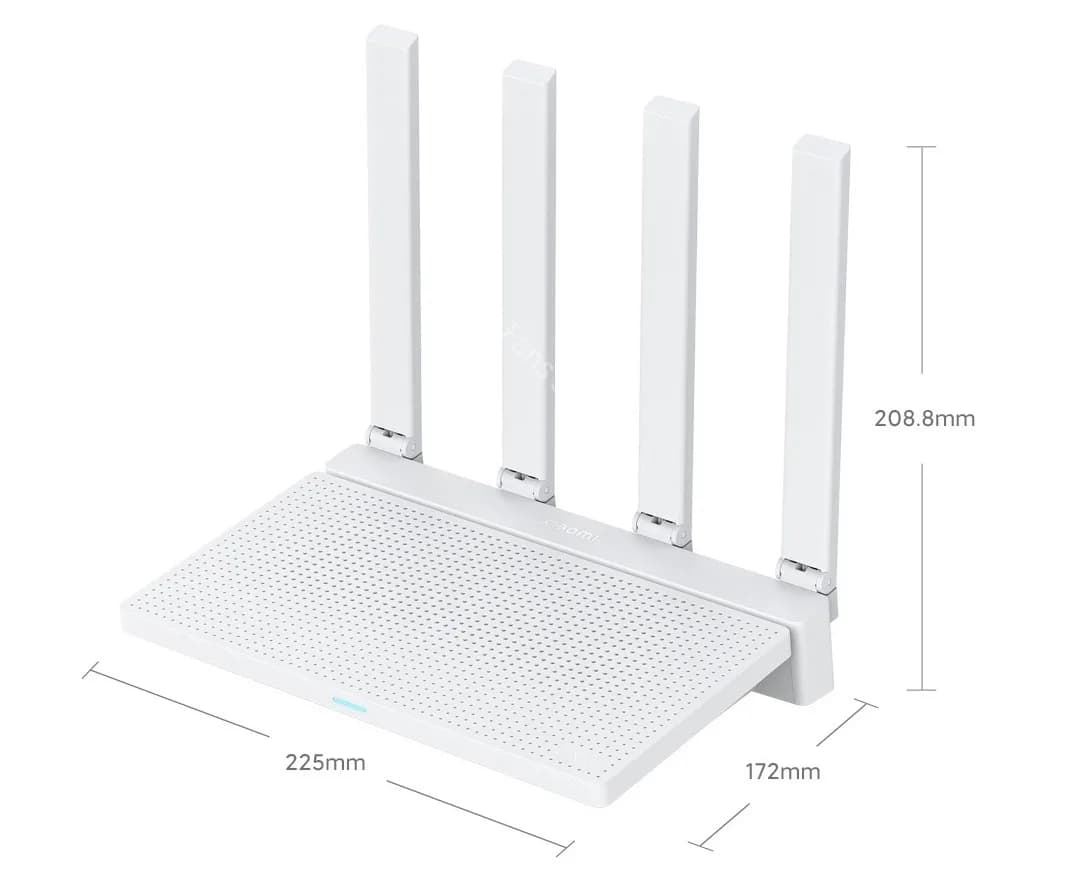
Photo: OpenWrt wiki · CC BY-SA 4.0 · resized
- OpenWrt compatibility
- Fully supportedup to 25.12.6
- Our recommendation
- Good Budget Option
- Difficult installation
- Hardware revision warning
Remarkable hardware for the price, but installing OpenWrt means getting SSH access to the stock firmware first.
- CPU
- 2-core · 1.3 GHz · ARM 64-bit
- RAM / Flash
- 256 MB / 128 MB
- Wi-Fi
- Wi-Fi 6
- Fastest port
- 1 GbE
Tested by us: No. Specifications and compatibility independently researched from manufacturer and OpenWrt documentation.· Last reviewed Oct 10, 2026
Quick answers
- Does it support OpenWrt?
- Yes, with official images since OpenWrt 23.05.4; latest release with images: 25.12.6.
- Is installation easy?
- Hard. Gain SSH access to the stock firmware, back up the flash, then write OpenWrt from the command line.
- Is it powerful enough for WireGuard?
- WireGuard suitability: Good. Benchmark not yet tested.
- Does it have enough RAM and flash?
- 256 MB RAM, 128 MB flash. Enough for typical use including VPN and SQM.
- Does it have 2.5 GbE?
- No. Fastest wired port: 1 GbE.
- Would we buy it today?
- Yes, for tinkerers on a budget. Not for a first OpenWrt router.Opinion
- What should I buy instead?
- Consider GL.iNet Beryl AX. See Alternatives below.Opinion
Overview
Editorial opinionThe AX3000T uses the same Filogic 820 platform as the GL.iNet Beryl AX, for a fraction of the price. The catch is installation: Xiaomi's firmware has no way to upload OpenWrt, so you first have to gain SSH access to the stock system and then flash from the command line.
For people comfortable with that, it is one of the best-value OpenWrt routers available.
OpenWrt compatibility
Factual data- OpenWrt support
- Fully supported
- Support status
- Current stable release
- First release with images
- 23.05.4
- Latest release with images
- 25.12.6
- Snapshot only
- No
- Target
mediatek/filogic- Build profile
- xiaomi_mi-router-ax3000t, xiaomi_mi-router-ax3000t-ubootmod
- Hardware revision warning. Units are sold with different stock firmware versions and regional variants, and some batches use different flash chips. Check the OpenWrt device page for the current installation notes before flashing.
Source: official OpenWrt build data and Table of Hardware, data as of Oct 20, 2026, 11:45 AM UTC.
Hardware specifications
Factual data- SoC
- MediaTek MT7981B (Filogic 820)
- CPU architecture
- ARM 64-bit (aarch64)
- CPU cores
- 2
- CPU clock
- 1.3 GHz
- RAM
- 256 MB
- Flash storage
- 128 MB NAND
- Expandable storage
- None
- USB
- None
- Power
- 12 V / 1 A DC
Source: openwrt.org
Network and Wi-Fi
Factual data- Ethernet ports
- 4
- Layout
- 1× 1 GbE WAN + 3× 1 GbE LAN
- WAN speed
- 1 GbE
- LAN speed
- 1 GbE
- Multi-gig ports
- None
- VLAN support
- Yes
- Wi-Fi
- Wi-Fi 6 · AX3000 · 2.4 / 5 GHz
- Standards
- 802.11a/b/g/n/ac/ax
- 2.4 / 5 / 6 GHz
- Yes / Yes / No
- Max wireless speed
- 3.0 Gbps (theoretical)
- Radios
- 2
- Wi-Fi chipset
- MediaTek MT7976CN
- Antennas
- —
Installation difficulty
Editorial opinion- Installation difficulty
- Hard
- Usual method
- Gain SSH access to the stock firmware, back up the flash, then write OpenWrt from the command line.
- Recovery difficulty
- Hard
- Recovery method
- Xiaomi recovery tool or serial console; see the device page.
Our rating of how hard a first installation and an unbrick are for someone comfortable with a web interface. Always follow the official device page for exact steps.
Performance
Factual data- NAT routing throughput
- Benchmark not yet tested
- SQM (cake) shaping limit
- Benchmark not yet tested
VPN performance
Factual data- WireGuard throughput
- Benchmark not yet tested
- OpenVPN throughput
- Benchmark not yet tested
Suitability ratings are our estimate from the CPU and architecture, not measurements. See the methodology.
Pros and cons
Editorial opinionPros
- Very low price
- Modern Filogic 820 platform with open-source drivers
- Four gigabit ports
Cons
- Installation needs SSH access and command-line flashing
- 256 MB RAM
- No USB
- Regional and flash-chip variants
Editorial scores
Editorial opinion- Overall
- 7.0 / 10
- OpenWrt friendliness
- 7.0 / 10
- Ease of installation(higher is easier)
- 3.5 / 10
- Performance
- 7.5 / 10
- VPN performance
- 7.0 / 10
- Value
- 9.5 / 10
Where to buy
- Check price at AliExpress (opens in a new tab)AliExpressCheck availability
Other regions (3)
- Check price at Amazon UK (opens in a new tab)Amazon UKUnited Kingdom · Check availability
- Check price at Amazon España (opens in a new tab)Amazon EspañaSpain · Check availability
- Check price at Amazon Deutschland (opens in a new tab)Amazon DeutschlandGermany · Check availability
Typical street price around $40 (editorial reference, not a live price). Prices are shown only if updated in the last 24 hours and may change; the retailer’s price at checkout applies. We may earn a commission from these links at no cost to you. Affiliate disclosure
Alternatives
Editorial opinion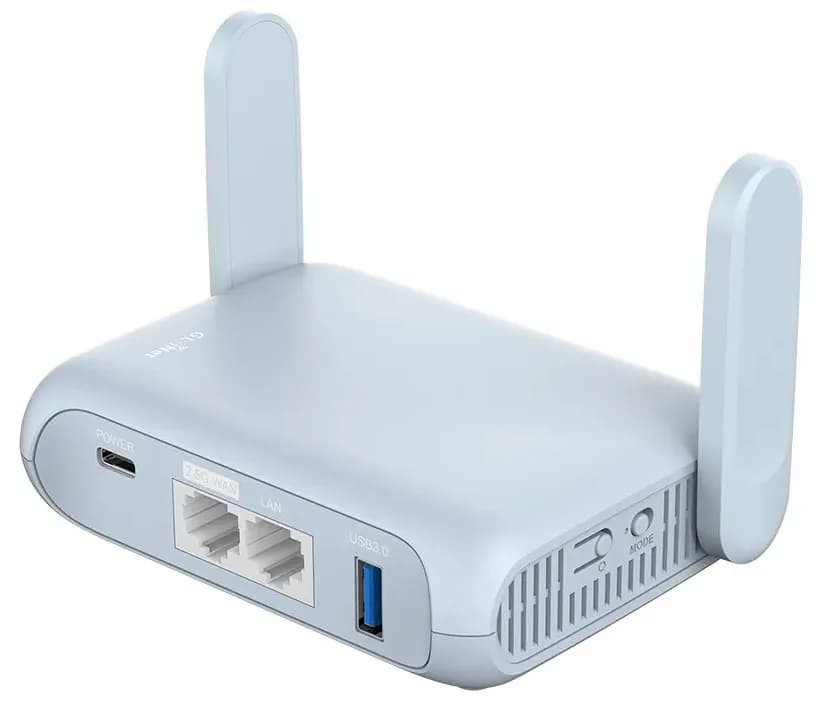

Related guides
Start with how to install OpenWrt or browse all OpenWrt guides.