TP-Link Archer BE450 vs Banana Pi BPI-R4
Side-by-side facts with the differences marked. A spec advantage is not a verdict: what matters depends on your connection, your space and what you run on the router.
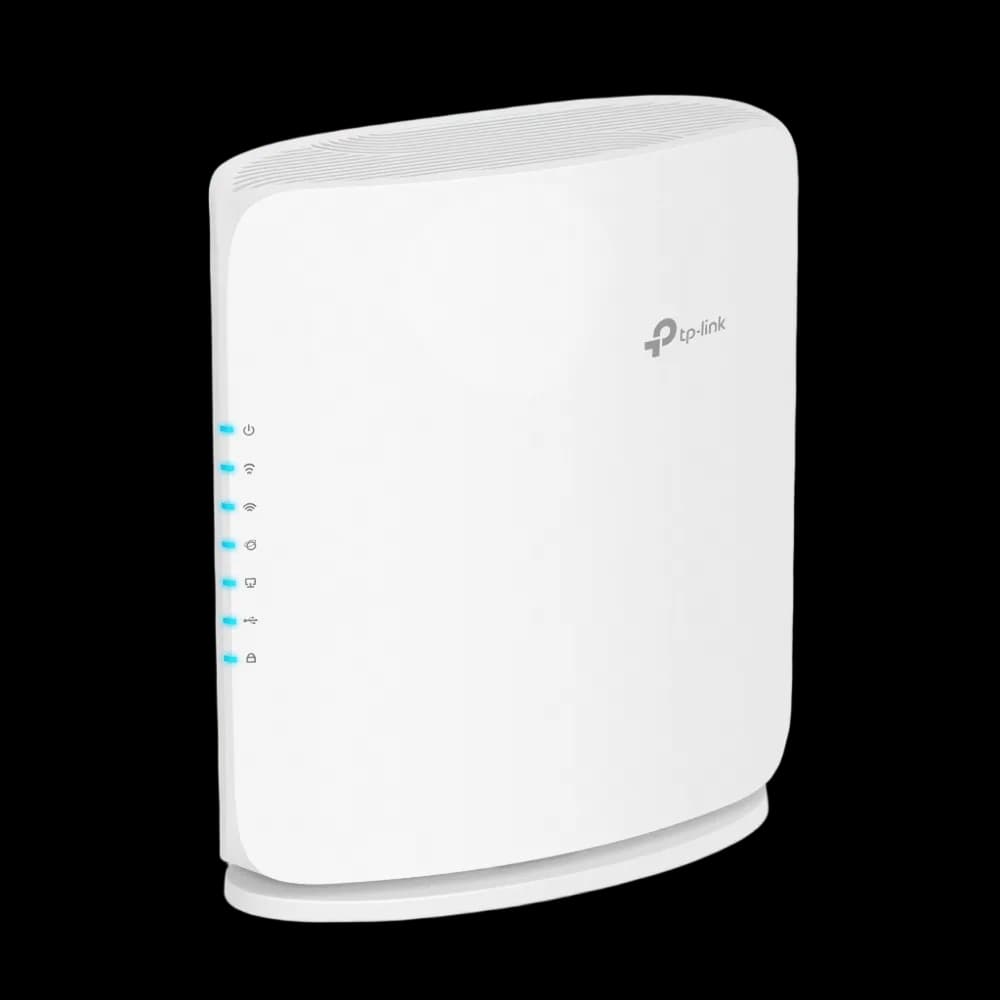
Partially supported
Photo: OpenWrt wiki · CC BY-SA 4.0 · resized

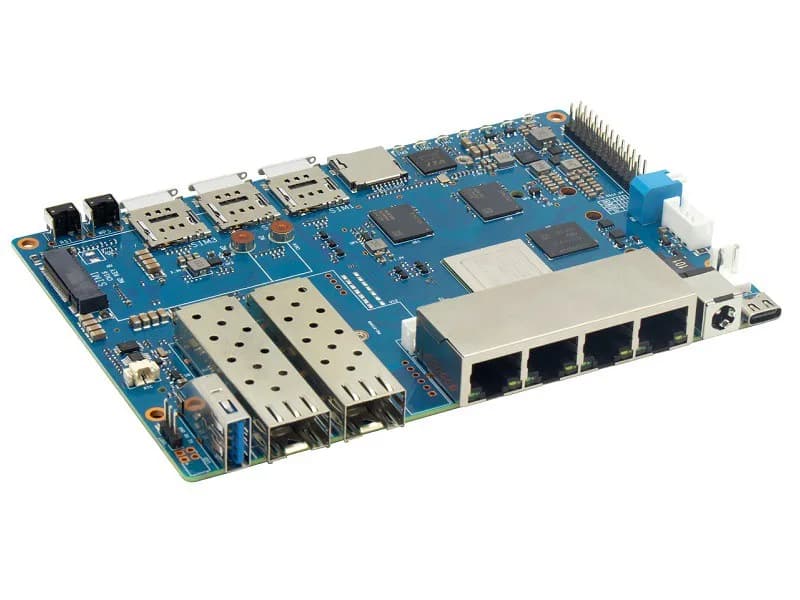
Fully supported
Photo: OpenWrt wiki · CC BY-SA 4.0 · resized

| Factual data | TP-Link Archer BE450 Advanced Users Only | Banana Pi BPI-R4 Advanced Users Only |
|---|---|---|
| OpenWrt | ||
| Support | Partially supported | Fully supported |
| Status | Current stable release | Current stable release |
| Supported since | 25.12.0 | 24.10.0 |
| Latest release | 25.12.6 | 25.12.6 |
| Installation | Hard | Moderateeasier |
| Warnings |
| None |
| Hardware | ||
| SoC | MediaTek MT7988D (Filogic 880) | MediaTek MT7988A (Filogic 880) |
| Architecture | ARM 64-bit (aarch64) | ARM 64-bit (aarch64) |
| CPUBased on core count × clock speed within the same architecture, not a benchmark. | 3 cores @ 1.8 GHz | 4 cores @ 1.8 GHzmore CPU |
| RAM | 512 MB | 4 GBmore RAM |
| Flash | 128 MB | 8 GBmore flash |
| USB | 1× USB | 1× USB 3.2 |
| Network | ||
| Fastest port | 10 GbE | 10 GbE |
| Multi-gig ports | 1× 2.5 GbE, 1× 10 GbE | 2× 10 GbE |
| Ethernet ports | 5 | 6 |
| Wi-Fi | Wi-Fi 7 · BE7200 · 2.4 / 5 GHznewer Wi-Fi | No Wi-Fi |
| Max wireless (theoretical) | 7.1 Gbps | — |
| VLAN | Yes | Yes |
| Suitability (our estimate) | ||
| WireGuard | Excellent | Excellent |
| OpenVPN | Good | Good |
| SQM | Excellent | Excellent |
| Travel router | No | No |
| Editorial | ||
| Overall score | 6.8 | 7.8 |
| Typical price | — | ~$110 |
| Where to buy | Retailers → | Retailers → |
▲ marks the router with the advantage on that line. Prices are editorial references, not live prices.
We have not written an editorial comparison for this pair. Read each router’s full page for our opinion: TP-Link Archer BE450 · Banana Pi BPI-R4.